

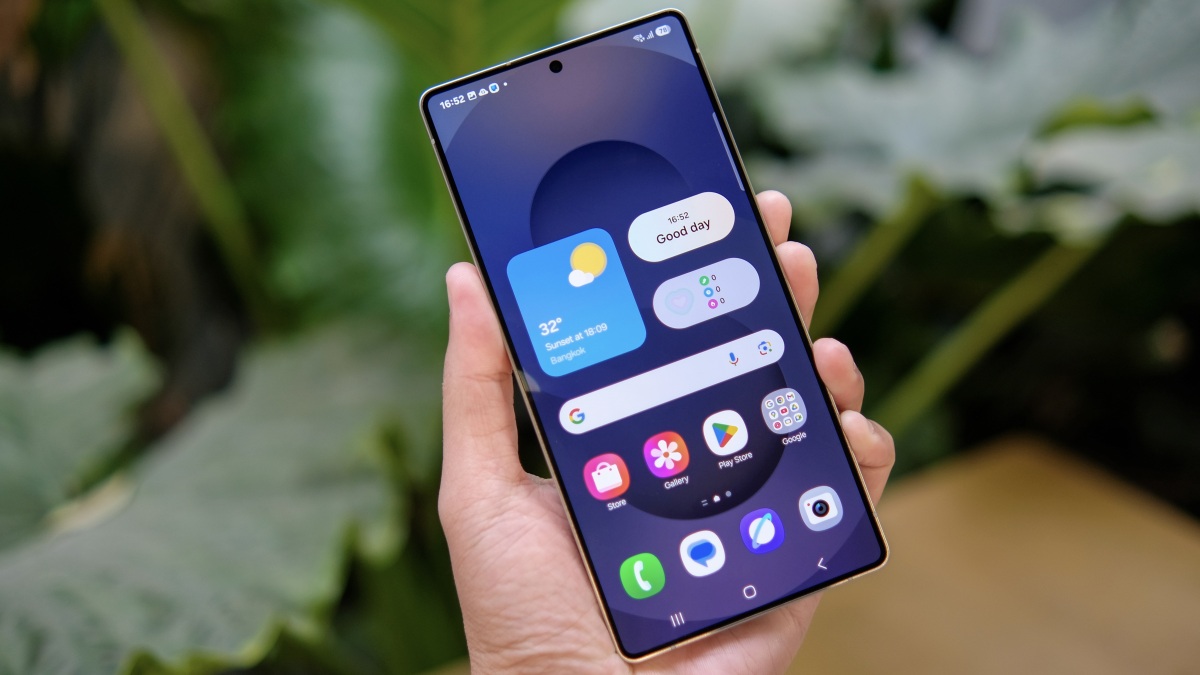
If you’re getting bored with your Galaxy phone, there are changes on the horizon. Samsung announced One UI 8.5 on Monday, Dec. 8, the latest update for Galaxy devices. At present, this new update is only out in beta, but select Galaxy users can try it out right now. Here’s what’s new, according to Samsung.
Proactive Quick Share
With One UI 8.5, Quick Share can automatically identify people in photos. While that sounds a bit creepy, the idea is to proactively offer sharing recommendations to the people who are featured in any given photo. Say you hit Quick Share on a family photo you took over the weekend. Rather than manually enter all of the contacts you’d like to share that image with, the feature can identify each, and automatically suggest sending the image to those contacts. It should speed up sharing pictures with groups of people after you take them, but, again, a little unsettling.
Photo Assist updates
Credit: Samsung
The Gallery app’s Photo Assist feature is getting some upgrades in One UI 8.5. As of this version, Photo Assist now supports “uninterrupted editing.” That means you can make your AI-generated edits without needing to save in between each change. Previously, each edit would produce an entirely new image, so this makes the feature a bit more like a traditional photo editor. In addition, you’ll be able to view all of the AI images you made in your edit history, and choose the one you like the most.
Side note: Samsung says Photo Assist’s Generate Edit feature requires an internet connection as well as a Samsung Account login. The feature also places a watermark on the image, so other people will know it was manipulated or generated with AI.
Audio Broadcast
Credit: Samsung
One UI 8.5 now supports sharing audio to other devices via Auracast, following Google’s wider support for the standard back in September. If you have any LE Audio-supported devices, like headphones or speakers, you can use Audio Broadcast to share media from your Galaxy. This isn’t limited to music, podcasts, or audio from videos, either, as Samsung says you can also broadcast your Galaxy’s microphone to LE Audio devices, too.
This feature is limited to Galaxy S25 devices, even after One UI 8.5 rolls out to other Galaxy phones.
Storage Share
Credit: Samsung
If you have a number of Samsung Galaxy devices, you might find Storage Share useful. This One UI 8.5 feature lets you manage your files across other devices, including tablets, PCs and even TVs, in the My Files app on your smartphone.
What do you think so far?
Enhanced Security Controls
Samsung is also expanding One UI’s security features with this latest beta. The company is rolling out updates to Theft Protection with One UI 8.5, an existing feature that can lock your device if it’s lost or stolen. That way, whoever picks it up won’t have access to your data, or won’t be able to erase the device and set it up as their own. In that same vein, Samsung is also launching Failed Authentication Lock, which locks the display after too many failed verification attempts. If a thief tries too many PIN combinations, or the fingerprint scanner fails too many times, your screen will lock them out.
How to try the beta on your Galaxy
While you can apply for the beta program today, first, consider the risks. Like all beta software, this version of One UI is currently in testing, which means there may be bugs and glitches that could interrupt your experience using your smartphone. If you understand these risks (and back up all important information ahead of time), here’s what you need to know.
First, this beta is only open for Galaxy S25 users in the U.S., Germany, India, Korea, Poland, and the UK. If you have an S24 or older, you’ll need to wait for Samsung to roll out the One UI 8.5 beta more widely, or for the full release down the line.
Next, you’ll need to apply to join the beta from the Samsung Members app. If you don’t have the app yet, download it from the Play Store, then follow the instructions to enroll in the beta.
