

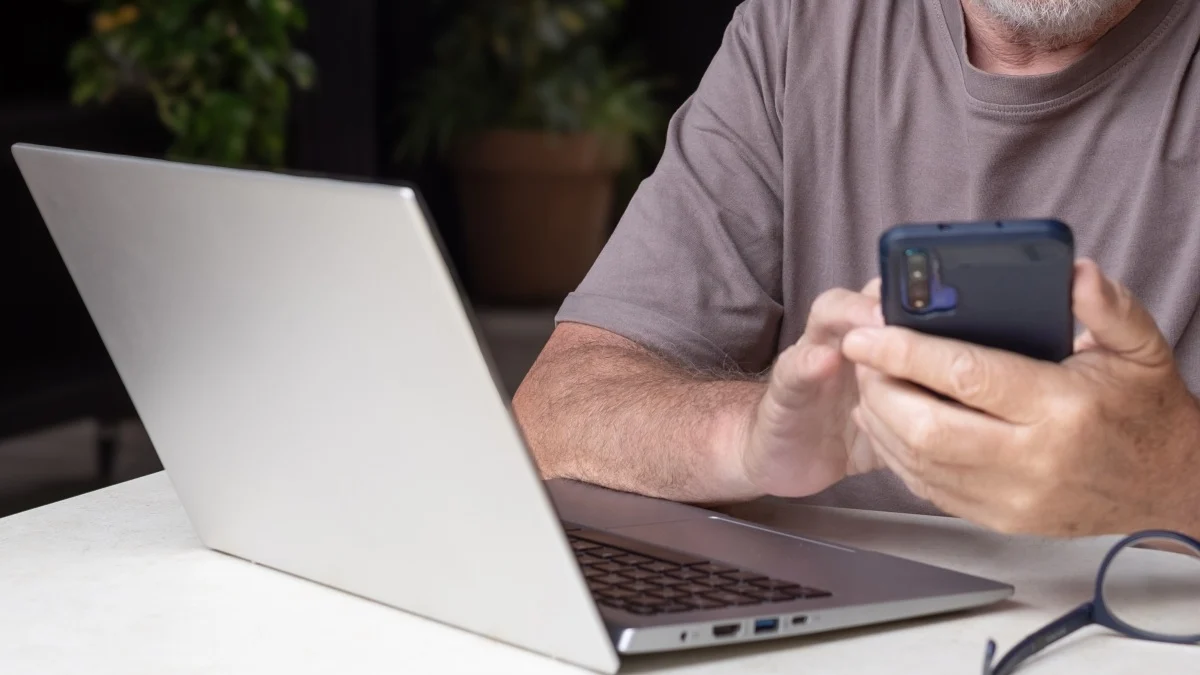
Love it or hate it, the Apple ecosystem really does have its perks. Take “Handoff,” for example. With this feature, you can be working in one app on one of your devices, then continue on in the same app on one of your other devices. You can start an article in Safari on your iPhone, then finish it on your Mac, without needing to google the piece and scroll to find your spot. It isn’t 100%, but when it works, it’s pretty great.
Microsoft actually offers a similar feature over on Windows, though it’s so limited, you might not even know it exists. The feature is called Resume, and the idea is to allow you to pick up your place in an app from another device on your PC. For the most part, that means Android apps; so if you have a PC and an Android phone, Resume could offer the same benefits as someone with a Mac and an iPhone. However, so few apps actually work with Resume, that it’s effectively useless.
Microsoft’s “Handoff” moment is coming
As spotted by Windows Latest, Microsoft is making some serious updates to Resume. The company recently updated the Resume support document, which confirms Microsoft is opening the feature up to more Android apps.
The support document doesn’t specify what apps might be coming, but it doesn’t necessarily have to for this news to be exciting; rather, the development alone implies that many more Android apps will likely be on the way—assuming their developers simply get on board.
As Windows Latest explains, the reason Resume has been so limited is due to how restrictive Microsoft’s API is. The only apps that can currently tap into Resume are ones that have access to the “Link to Windows” API. Many Android developers either don’t know how to develop with this API, or simply can’t, since their apps are not compatible.
What do you think so far?
The latest update to Resume offers developers another option, however: Now, developers can use Windows Notification System (WNS), a built-in API that is far more common and supports far more apps. That said, developers can’t just update their apps with the WNS and expect to be compatible with Resume. Microsoft tells Windows Latest that developers need to reach out to Microsoft directly for approval. That application needs to include the developer’s WNS registration, the app’s Package SID, a summary of what the app does, and screenshots of the app in action.
It’s basically like signing up for TSA PreCheck: Most of us who apply will likely get approved, but they don’t just let anyone decide to join. You need to provide proof you qualify and submit for screening before you get there. That will likely end up working well for anyone who’s interested in using Resume: The apps that will be available will all be vetted by Microsoft, so there should only be legitimate and useful apps offering that linking capability.
How to enable Resume on Windows
These changes probably won’t roll out for some time on Windows. However, you can set yourself up for success now by turning the feature on. To start, head to Settings > Apps, then scroll until you find “Resume.” Here, turn on the feature. Right now, you’ll probably see the only app that is compatible is OneDrive. You can connect it if you wish, which will let you work on a document across both your Android device and your PC.
