

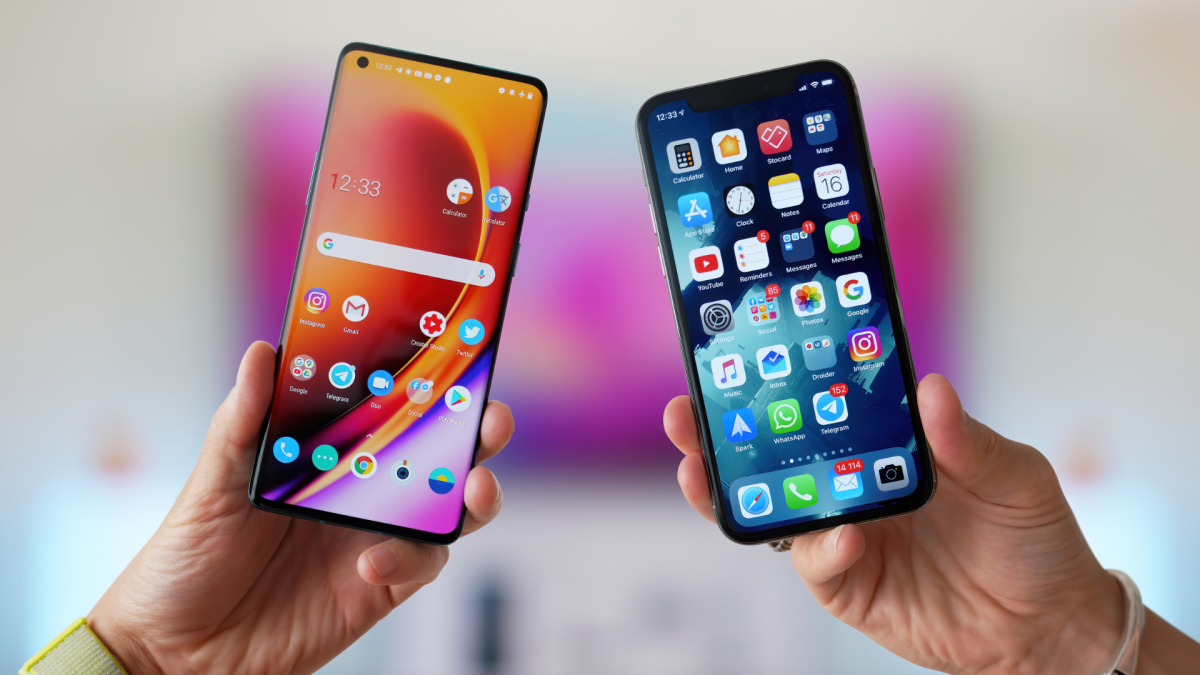
When it’s time to buy a new car, you don’t necessarily need to stick with the one you had before. You don’t lose your cloud-based photos by switching from Toyota to Subaru, nor will your friends yell at you for ruining the group chat by buying a Kia. That’s not the case with smartphones: When you buy an iPhone, it’s tough to switch away from it. The same goes for Android: While it’s easy enough to switch within the Android ecosystem, such as between Pixel or Galaxy, moving from Android to iPhone can also be a pain. Tech companies tend to make it tempting to stick with their platform, and introduce friction when you try to leave.
That, of course, is entirely business-based. Apple hasn’t traditionally made it easy to move to Android, because, well, you might actually do it. It doesn’t have to be this way, either. There’s nothing inherent to smartphones that should make it so challenging to break out of any particular ecosystem. All it takes is some intentional design: If smartphones were made to be traded, you could migrate from one to another, without worrying about losing pictures, messages, or any other important data or processes.
It’s now easier than ever to switch between iPhone and Android
As it happens, that intentional design is here. Apple and Google actually worked together to make it easier to transfer data between iPhone and Androids, which makes switching between the two platforms more seamless.
News first broke about this partnership back in December, and, at that time, Google released some of this progress as part of the latest Android Canary, the company’s earliest pre-release software. Shortly after, Apple released the first beta for iOS 26.3, which featured the transfer tool. Now, iOS 26.3 is here, and with it, an easier way to switch from iPhone to a device made by Google, Samsung, or any other Android OEM.
How to use the new iPhone-to-Android option in iOS 26.3
The feature seems easy enough to use. Once you update your iPhone to iOS 26.3, you can head to Settings > General, then scroll down to “Transfer or Reset iPhone.” Tap this option, then choose “Transfer to Android.” Here, iOS will present a pop-up, telling you to place your iPhone next to your new Android device, where you can transfer photos, messages, and apps, among other data points. (That said, health data, devices paired with Bluetooth, and “protected items” cannot be transferred.)
You’ll need to make sure both devices are running the latest updates, are connected to wifi, and have Bluetooth enabled. However, Apple also says your Android device should be in the “setup process,” which means you likely won’t be able to use this feature if your Android phone is already set up. From here, your iPhone will ask you to scan a QR code that should appear on your Android device. Alternatively, you’ll be able to tap “Other Options” on your iPhone to enter the Session ID and Pairing Code that should appear on your Android.
What do you think so far?
Now, you can choose the data you want to transfer, including photos, contacts, calendars, call history, and messages. Tap “Continue” once complete, then choose to transfer your eSIM, if applicable. (You’ll need to double-click the side of your iPhone when prompted to complete the eSIM transfer.) This works in the other direction too, though Apple says you do still need to use the Move to iOS app on Android—at least until Google sets up a similar protocol on its end.
More flexibility from Apple and Google is better for everyone
Apple and Google might not be motivated by charity, of course, as the EU has been cracking down on restrictive practices by tech companies in recent years. But while both companies may see this as a way to lose customers, it’s also a way to gain them: Sure, some iPhone users may switch to Android if it’s easier to do so, but some Android users may do the reverse for the same reasons.
More choice is good for everyone—even if it doesn’t guarantee exponential growth to shareholders.
