

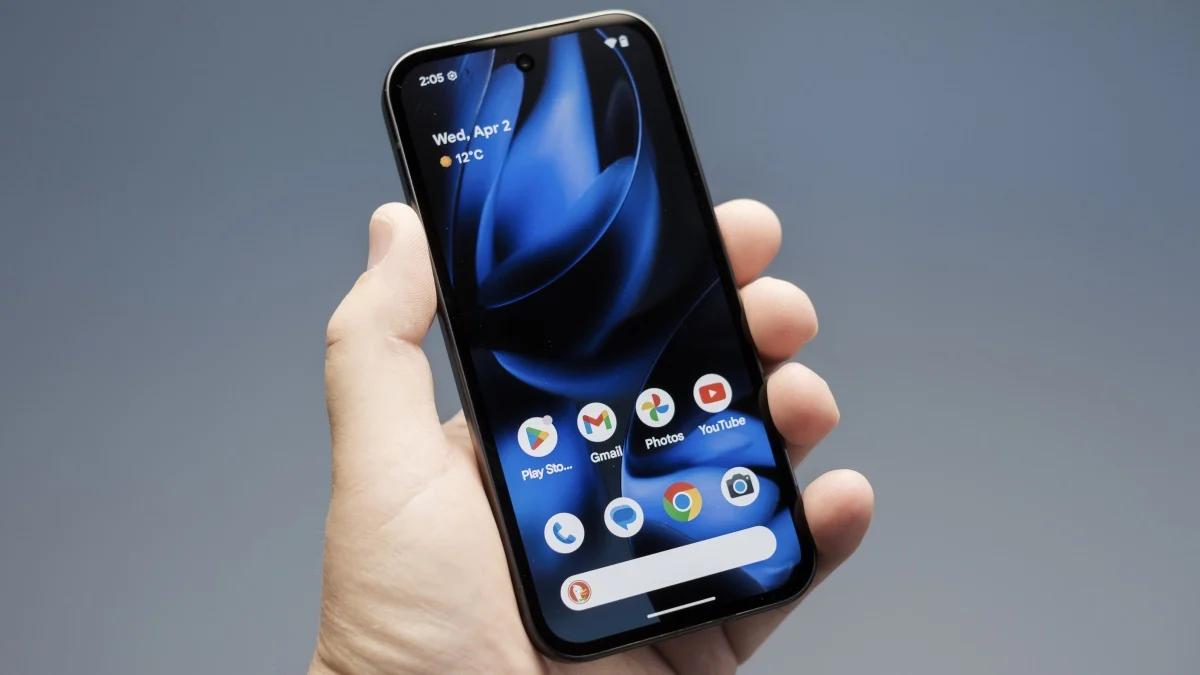
Phones are valuable targets. If someone can steal your device, especially if they know how to break into it, they have access to a huge amount of your sensitive data. As such, good security features can mean the difference between losing that data, or protecting it entirely—even if your phone is long gone. Google has a number of anti-theft features baked in Android, appropriately called “Theft Protection Features.” While the company isn’t announcing a slate of new features today, it did announced new updates to its existing Android Theft Protection features in a post on the company’s Security Blog Tuesday. Here’s what’s new:
Google’s updated Theft Protection Features for Android
First, the company announced updates to authentication safeguards, which apply to all Android devices running Android 16 or newer. That includes a new dedicated toggle in settings for Failed Authentication Lock, which automatically locks your screen after someone tries to guess your password too many times. Now, you can choose whether or not to keep this feature on right from settings.
Google is also increasing the amount of time your phone locks up after too many failed passcode attempts, which reduces the chance for someone to break into your phone. I wouldn’t have thought of this, but Google notes that it has included protections against children that try to break into your phone, by not counting identical passcode attempts against this retry limit. And while it isn’t new, Google highlighted that since late 2025, all features and apps that use Android Biometric Prompt now work with Identity Check, which prevents unauthorized users from changing sensitive settings without a successful biometric authentication—meaning a face or fingerprint scan.
The company also announced enhancements to features that are available to devices running at least Android 10. First is an update to Remote Lock, which lets you lock up your phone from a web browser if it is stolen or goes missing. Now, you can set up a security question as part of the unlocking procedure. Even if someone knows your credentials, they’d need to know the answer to your security challenge before they could unlock your device. Tip: If you make the answer something nonsensical, you’ll be even more protected (e.g., What is your mother’s maiden name? h7r_t*2#). Just be sure to file that answer somewhere safe, like a password manager.
What do you think so far?
Users in Brazil also have two new security settings enabled by default. The first is Theft Detection Lock, which can detect when your device has been snatched out of your hand in a likely theft situation. The second is Remote Lock, so users in Brazil can take advantage of the above benefits without having to set anything up first—other than the option security challenge question, of course.
These updates might not be revolutionary, but they should help boost your Android’s security a bit—and prevent your kids from locking you out of your phone for the day.
